Course Overview
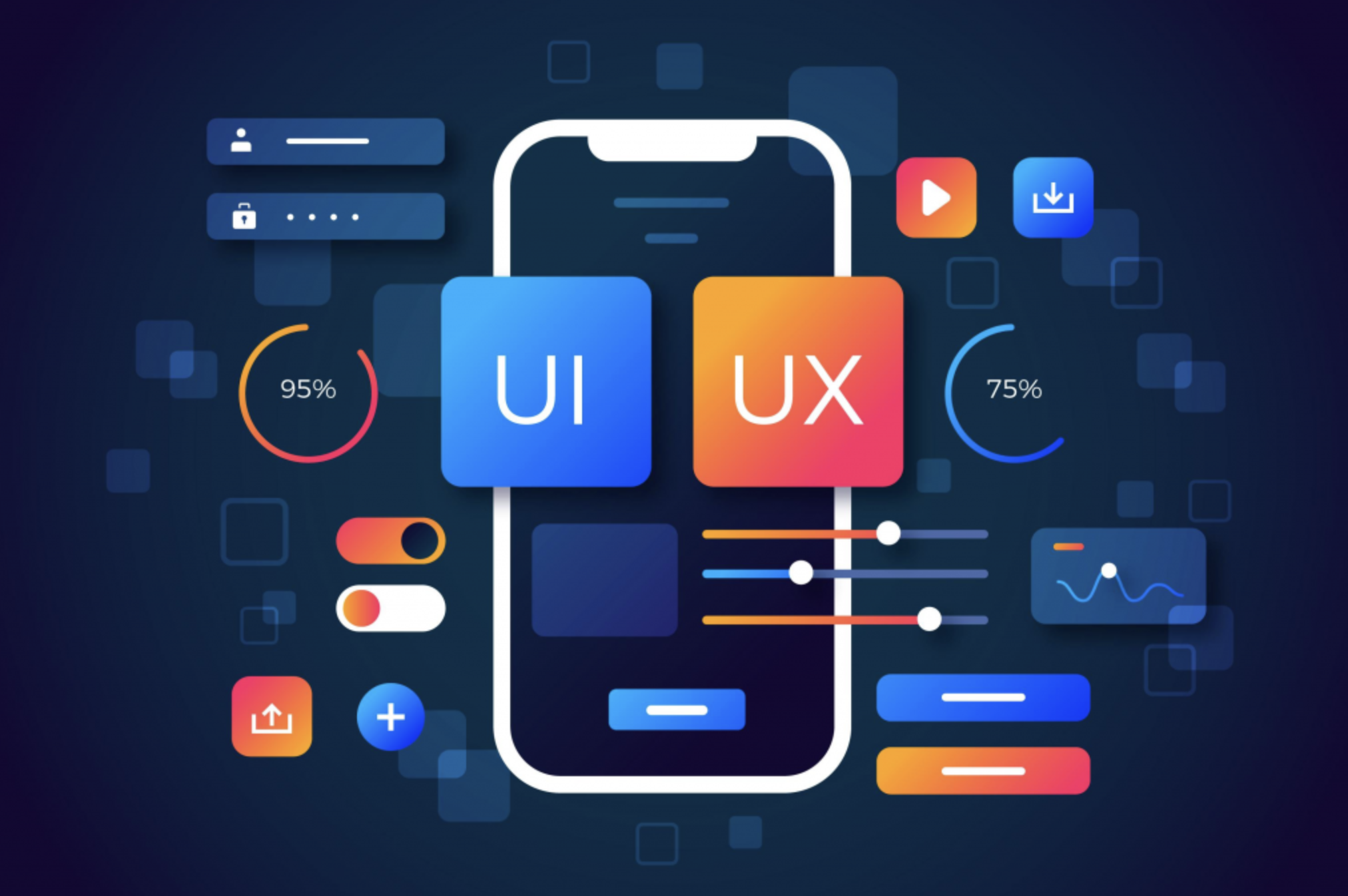
UI (User Interface) is about how things look, and UX (User Experience) is about how they work. In this course, you will learn the fundamentals of digital design using **Figma**, the industry-standard tool.
Figma Mastery
Learn frames, auto-layout, components & plugins.
Visual Design
Typography, Color Theory, and Spacing systems.
Prototyping
Turn static designs into clickable, interactive apps.
Portfolio
Build your first case study to show clients.
Syllabus
4 Weeks- What is UI vs UX?
- UX Laws (Jakob's Law, Fitts's Law)
- Wireframing Basics (Pen & Paper)
- Task: Sketch a Login Screen
- Color Theory & Contrast
- Typography & Hierarchy
- Spacing & Grid Systems
- Task: Create a Moodboard
- Frames, Shapes & Vector Tools
- Auto Layout & Constraints
- Components & Variants
- Task: Design a Mobile App Home Screen
- Connecting Screens & Transitions
- Smart Animate Basics
- Exporting Assets for Developers
- Final: Full Food Delivery App Design

Junayed Bin Karim
Product Designer
Passionate about creating user-centric digital experiences. Expert in Figma, Adobe XD, and Design Systems.
Figma
UI Design
Choose Your Path
Recommended
Certified
৳ 2,000
৳ 3,000- Live Classes
- Design Certificate
- Portfolio Review
Mentorship
৳ 5,000
৳ 8,000- 1:1 Design Critique
- Career Guidance
- Freelance Tips
FREE
to Start
Join 1,500+ Designers
Start Free
Course Includes:
- 8 Live Sessions
- UI Kits & Files
- Mobile Access
- Lifetime Access
 Junayed